Resources · Meter reading guide
The screen on your EDMI ES-10A or ES-12B switches between 3 displays. To see your meter reading, use the IMPRT screen. If the screen moves too quickly for you to note the value, follow these steps:
Not sure this is your meter?
Compare the photo, or call us on 024 7632 8995 and we'll help you identify it.
See all meter guides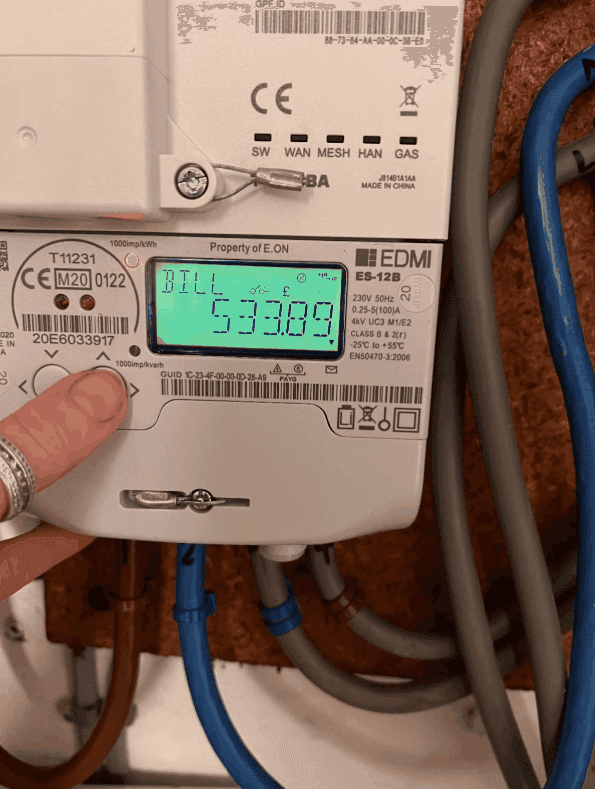
Match the serial number on the meter to your bill and check whether the supplier used an actual or estimated reading. If the bill still looks wrong, our team can review your business energy account.
Accurate readings help you check what you use. We can also compare the unit rates, standing charges and terms available for your business. Ask for a free, no-obligation review.
